Indoor entry monitoring
Check the Entry From Anywhere
A compact indoor camera can cover an entry without adding a large security recorder or another cluttered console setup. This guide looks at the white second-generation Ring Indoor Camera with two-way talk and a manual privacy cover.
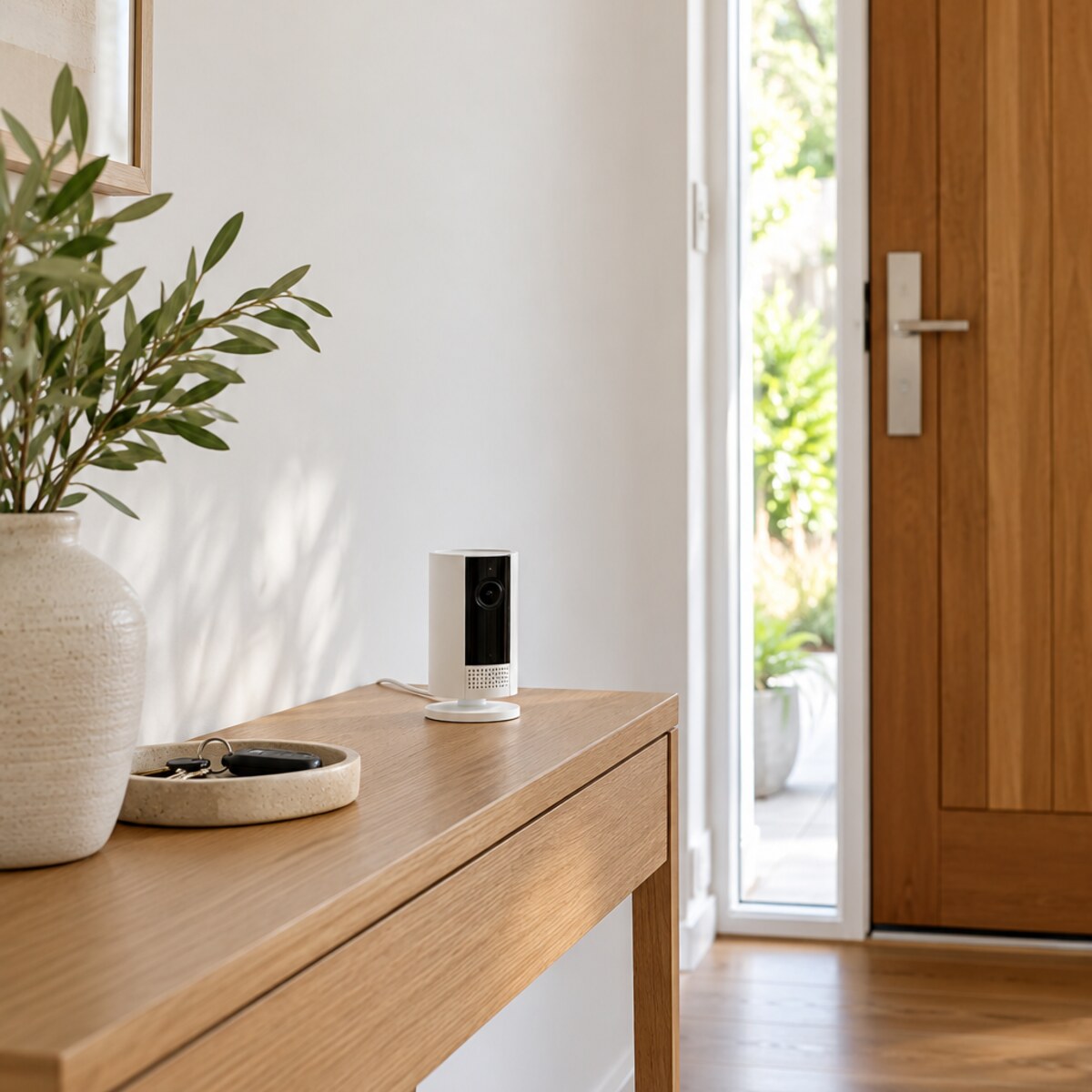
The exact item
Ring Indoor Camera (2nd Gen) — White
A current Australian Amazon deal roundup linked this exact ASIN during Prime Big Deal Days. That supports current interest and promotion, but it does not prove category rank or guarantee that the same price, subscription terms or stock remain available.
We have not physically tested this product. This guide uses the identified product listing and practical fit checks, not a promise of performance or current availability.
Make it work in your space
- Choose a stable indoor position with power and reliable Wi-Fi, aimed only at areas you are entitled to monitor. Avoid private spaces and discuss placement with household members and visitors where appropriate.
- Use Ring's current setup flow, install updates and enable two-factor authentication. Review motion zones, alerts, audio and recording settings before relying on the camera.
- Use the physical privacy cover when monitoring is not wanted. Route the power cable securely, keep vents clear and periodically review shared users, linked devices and stored footage.
Before you buy
Three checks that matter
01Confirm ASIN B0B6GK4VTC, the white Ring Indoor Camera (2nd Gen) and the Australian power arrangement; older Indoor Cam models and bundles differ.
02Check today's seller, featured offer, delivery, returns and warranty. Review which features require a current Ring subscription and what happens when a trial ends.
03Check local privacy rules, tenancy conditions, Wi-Fi requirements, app compatibility and data-retention settings before installation.
When to choose something else
Choose local-storage security equipment if you do not want cloud or subscription-dependent features, or a non-camera sensor when video is unnecessary. Console, key tray and entryway accessories shown are illustrative.